Documentation | Playable demo | Discord | Video Tutorials
As a Gameplay Programmer student, my goal is to provide you with the best experience through a well-thought-out and optimized plugin.
Feel free to hop on my Discord if you have any suggestions, questions, or run into any issues.
I’m often around to help out if you get stuck during your first quest creation process, and I’m eager to hear your feedback to make the plugin more user-friendly and provide you with updates.
Because there is so many features in the plugin, and options for customizing your quests and objectives, your first quest creation process can feel somewhat overwhelming.
That’s why I strongly advise delving into the Video Tutorials to understand how the tool works. You’ll find it gets easier after your first time.
Here’s how the system works:
The player has two main components, a Player Channel Component and a Quest Manager Component.
Player Channel: Stores distinct channels like Combat, Environment, and Inventory. It broadcasts events when actions occur in the world.
Quest Manager: Store, Manages, Load & Save all the quests.
With this system, there’s no need to worry about adding any features to your already existing classes. Anything can be an Objective target; all you need to do is get the Player Channel via Blueprint and trigger the corresponding event.
Depending on their Objectives, the Quests will be bound to specific delegates in order to be succesfully updated. It’s that easy.
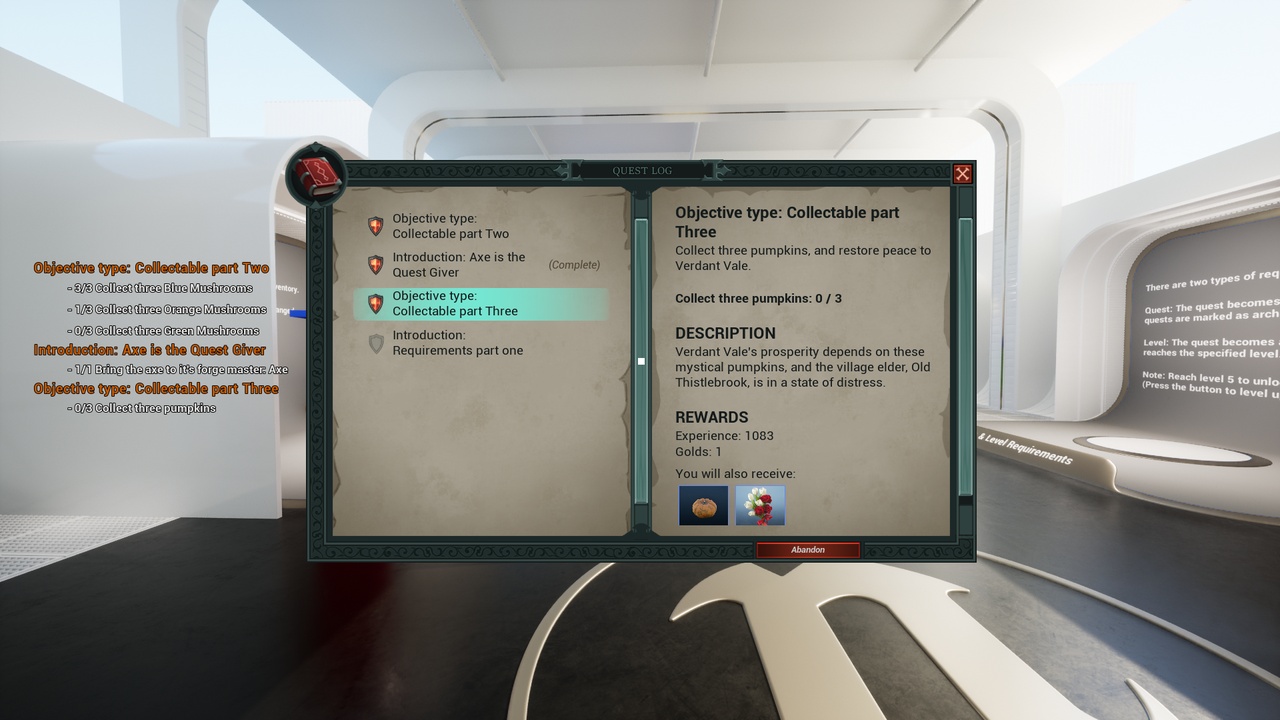
The Quest Giver & Receiver has a single component — the Quest Component. It tracks the state of all quests by querying the Quest Manager and displays them to the player only if they are Pending or Valid.
Anything can serve as a Quest Giver or Receiver—be it a rock, a tree, or any static mesh. The component will be automatically added to your specified target when creating the quest with the tool.