>>> Update 2.0 (08/2024) Video: here
(1.0) Demonstration Video: here
Welcome to the Smart Traffic Lights !
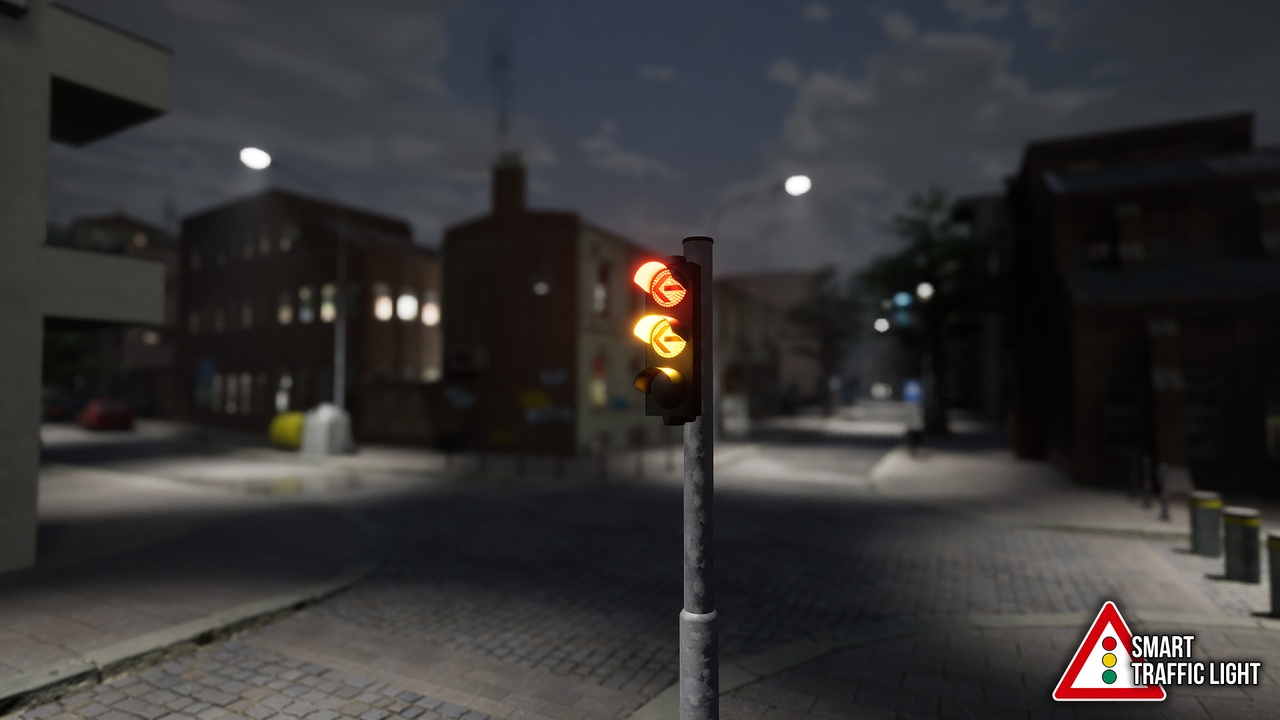
Enjoy this easy and beginner friendly drag’n drop Traffic Light Creator Blueprint. You can create your traffic lights in seconds with a ton of settings. Just drag’n drop the Blueprint in your level, add a pole, configure your starting light state, the color, the duration, the light intensity and if you want also some symbols and … that’s it ;D If you want, you can also add with one click additional meshes to the traffic light and / or connect it to the “BP_IntersectionManager”.
Very easy to use, also for absolute unreal engine newbies!
Don’t waste your time like I did first and create traffic lights by hand, just use this blueprint ;D !
FAQ (Nice to know)
Can I make complex multi lane intersections?
Oh yes! You can set up with some somple ticks your own complex Intersection of 2, 3, 99 lanes … 🙂
Which kind of traffic lights are available?
Traffic Lights, Pedestrian Lights, Warning-Lights – Any kinds, by default 3-, 2- and 1-lense are included, but you can add additinoal lenses.
I wanna use it in Cinematics instead of Games?
Just set it in some minutes up, drag’n drop it, activate the “Real Lights” option and here we go! Little Tip: Try it out with volumetric fog – it’s awesome!
Can I trigger Events?
Of course! “Force Stops” are possible, but you can also equip your Emergency Vehicles, Trams etc. with certain tags for triggering a reaction.
Is a night mode available / compatible with…?
Yes, you can trigger a night standby mode, where all traffic lights blink yellow. You can call this event from any “Sky Blueprint”, such as Ultra Dynamic Sky, EasySky or Sky Creator.