
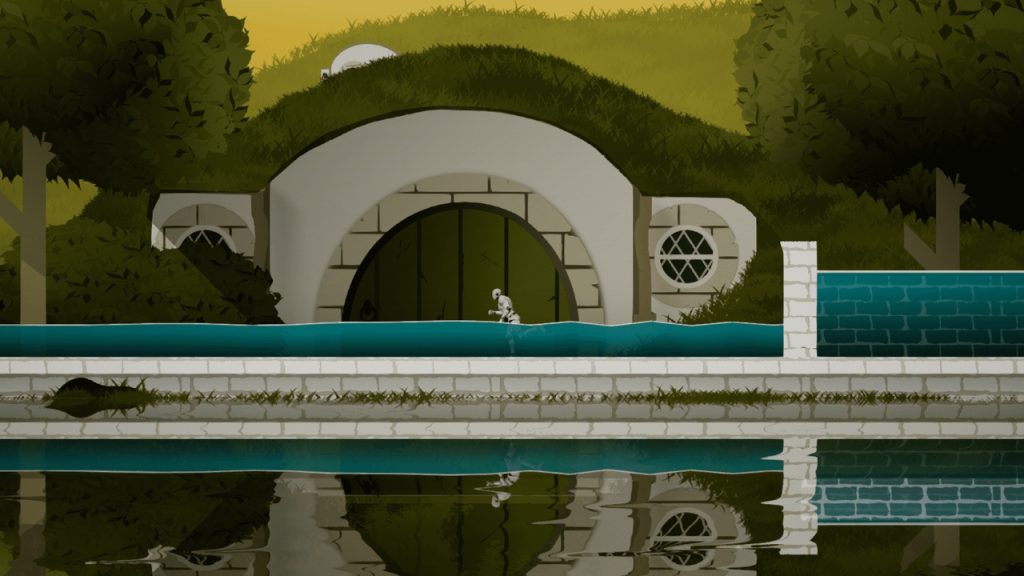
This package contains two Blueprints, One for the Procedurally generated 2D water mesh and the other for the Floatable Sprites, Floatable Blueprint has an interface implemented on it which of course is included, also there is a Blueprint Function which I created for its reusability and hence is easily customizable, hence this function can be re-implemented in various scenarios according to your needs.
Tutorial
Guide
Reflection Feature Setup Guide
I have also included comments inside blueprints where possible, also below are some pointers to help you along.
2. Material for the water mesh is included and its instance has been applied on the Demo, the instance gives you the option to apply any texture you want and hence is dynamic.
3. When using Floating Object, add some pontoon array elements to it usually 1-3 will do the trick, for convenience, I have made them instance editable with 3d widgets shown, so it will be quite easy to manipulate from the editor itself.
4. When Using Floatable Objects keep in mind to add mass more than at least 600 since the mass has been used in alpha calculations of the force, and also you don’t want your player to send your floatable object into multiverse just by touching it :).
5. All the manipulative variables have been created to be instance editable.
6. 2 Materials one for reflection and the other for normal water (Tileable and scalable).
Update Log:
V_2.0: Improved performance and Frame rate independence.
- Frame rate independence achieved (Tested at 15-60+ FPS).
- Timer by event rate depends on the delta time (OVERLAPPING= (0.8 * Delta time) & IDLE = (1.0 * Delta time) and caps at “0.03”.
- Texture Tilling or stretching Feature available.
V_3.0
- Reflection feature added.
- Few minor Improvements.
Note:-
- Try to keep the no of iterations variable in the procedural mesh low as it can easily add up.
- Procedural mesh uses a Custom collision Object Channel Named “Water_Body”, to be traced only for this specific type from Floatable Actor Blueprint, an instance editable variable has been defined for convenience.
Steps to define New Collision Channel:
Edit->Project_Settings-> Collision -> Object Channel->New Object Channnel-> Name “Water_Body”->Type “Overlap”.