🎥 Preview Video
📖 Official Documentation
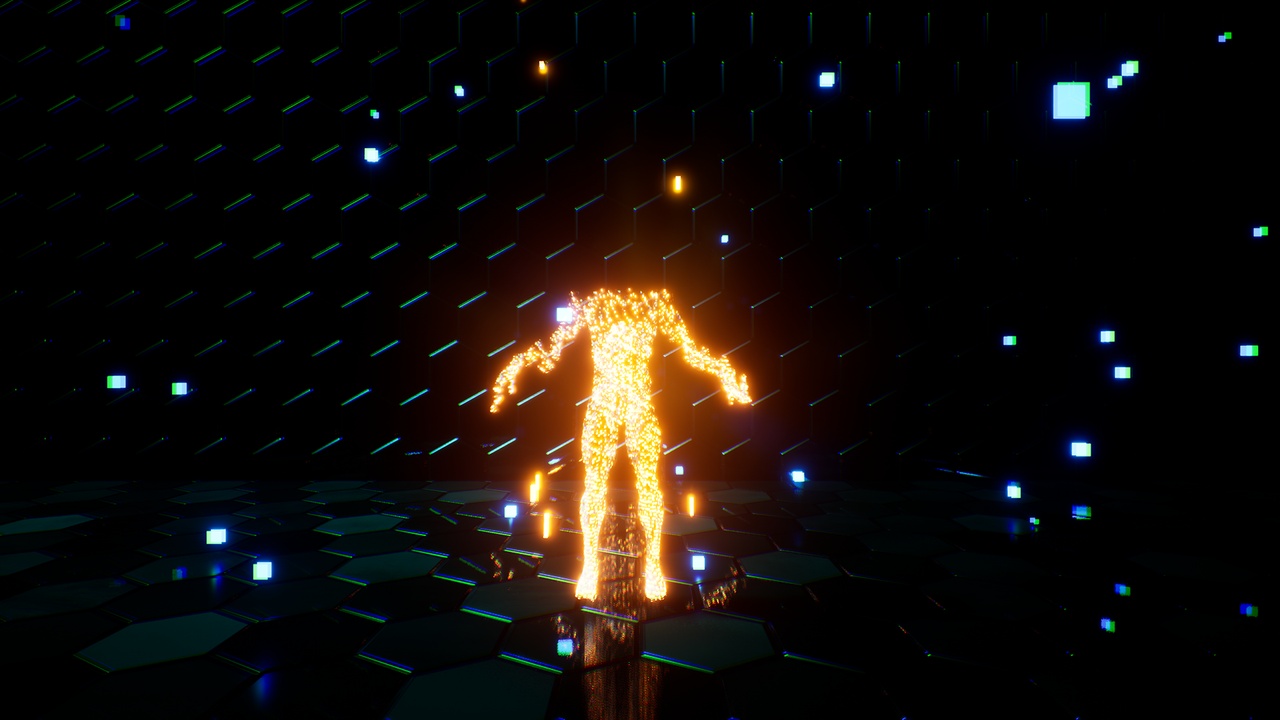
🚀 Highly Customizable Dissolve Teleport Effect
Elevate your teleportation experience with this dynamic and customizable dissolve effect! This asset creates a seamless and visually stunning dissolve effect that works with any mesh.
🌟 Key Features:
🔄 Dissolve on X, Y, or Z axis: Choose the dissolve direction for precise control.
✨ Glow Effect Option: Decide whether you want to generate a glowing effect during the dissolve.
💫 Displacement & Quantity Control: Fine-tune the amount of displacement and dissolve.
🎨 Noise Pattern Customization: Adjust the noise pattern for more variation in the effect.
🔀 Dissolve Direction Control: Select the direction of the dissolve for dynamic effects.
⏳ Timeline Control: Control the dissolve effect with timelines or any scalar parameter control.
📍 Pivot Offset: Customize the pivot offset to fit any mesh perfectly.
🌍 Demo Scene & Showroom: Includes a demo scene and showroom for quick setup and testing.
🛠️ Universal Compatibility: Works with any mesh, from static to skeletal.
⚡ Easy Migration: Migrate the material function to your project, and you’re ready to go!
⚙️ Included:
4 Material Functions
4 Example Materials
14 Example Material Instances
⚠️ Important Notes:
🔒 These material functions override opacity mask values to create the dissolve effect.