Products Demo Video
Axe Update Demo
Pick Update Video
Set Master Pose Workaround Tutorial
Adding Bones In Blender Tutorial
Discord
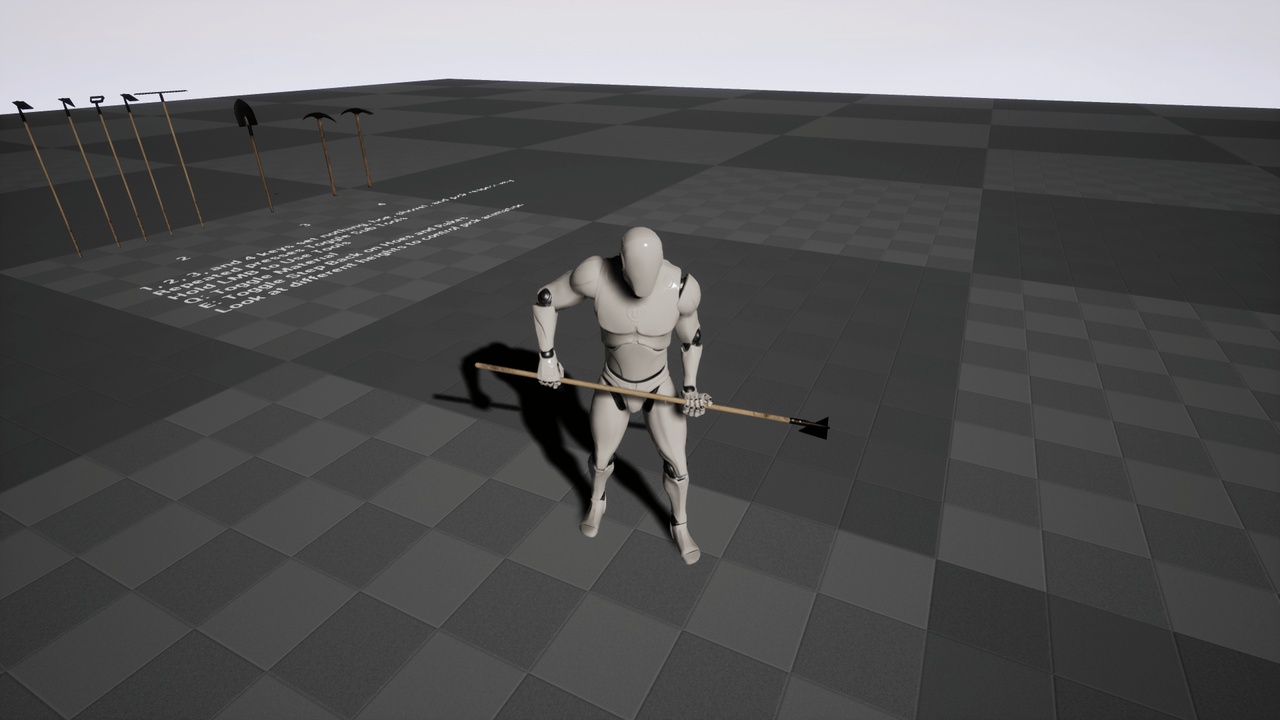
This pack contains an assortment of animations for holding and using a variety of mining and farming tools. There are four groups of animations, the first being for hoes and rakes, the second for a shovel, the third for a pickaxe or backhoe, and the fourth the axe. This means that all 3 hoe meshes, and the rake mesh, are made to use the same animations. And the pickaxe and backhoe also use the same animations for the most part.
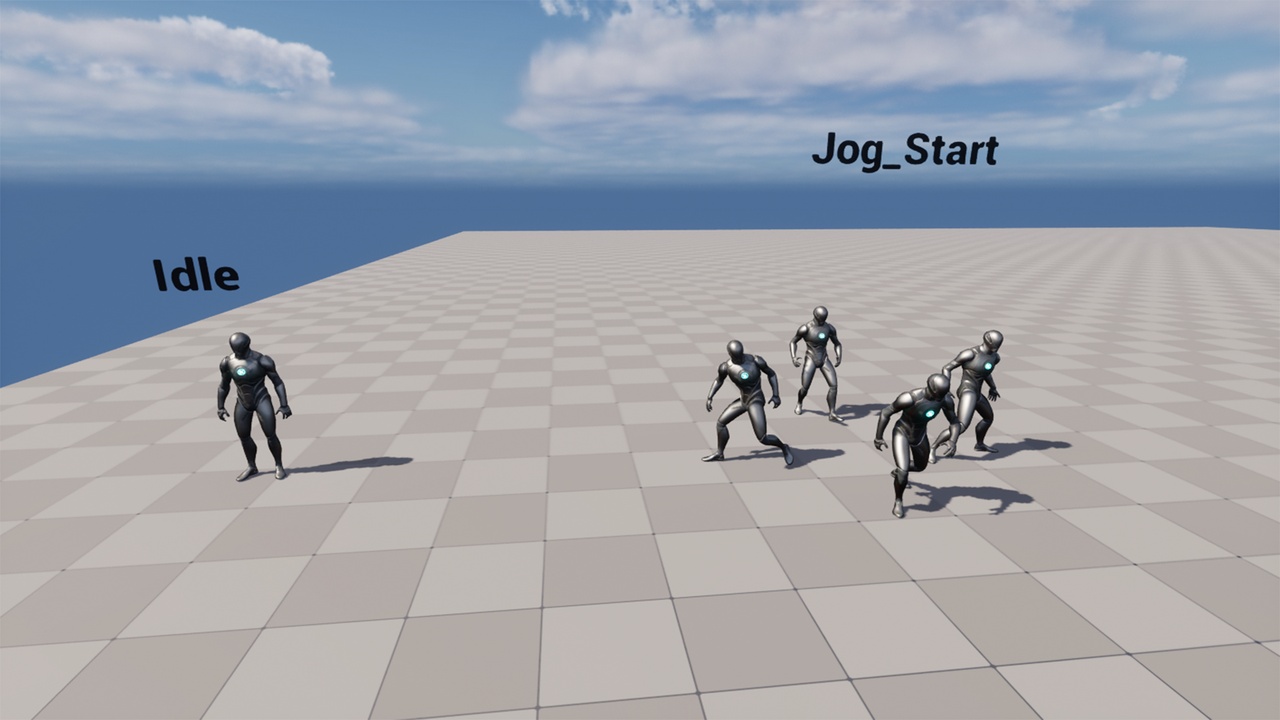
These consist of idle animations.
Transition animations to move into action ready pose.
Action animations for digging or raking or such.
And then relax animations for returning to the idle position when done.
This doesn’t cover all of the animations, but is the general structure most of them fall under.
There are also eight tools included in this pack, a triangle hoe, a square hoe, a hoola hoe, a rake, a shovel, a pickaxe, a backhoe, and an axe. There are 3 different texture sets for each of them, plus on extra for the axe , and the materials are set up to support some basic customization and options so you may be able to tweak them a bit further to match your needs.
NOTE: In order to fully use the animations, you will likely want to modify your meshes to have the Tool_R_Hand and Tool_R_Hand_Effect bones in them. Since if a bone was not included in a meshes skinning when imported, it will just ignore that bone even if it is present on the skeleton it’s using in engine.
As a workaround, you can just hide the provided mannequin and use it as a reference pose to avoid modifying your own meshes externally, but this is a bit messy so I’d just modify the bones externally if you can in most cases. Details are in the documentation.
For a simple reference, there is a mannequin included in the projects main meshes folder that you can export into your 3D software, and use as a reference for the position of the bones while in the default T pose used by the mannequin. All you need to do is add these bones to the skin modifier of your mesh, even if not weighted to any vertices it should still show up in unreal and allow it to make use of the tool bones animations. These are used since when swinging a pickaxe, or certain other types of movement, the tool is not rigidly held fixed in the hand, but may slide forward, backward, or be spun around for better handling/angling. While not required for all of the animations, it is used to an extent in most.