Video (YouTube): https://youtu.be/SOtLSvCKrDo
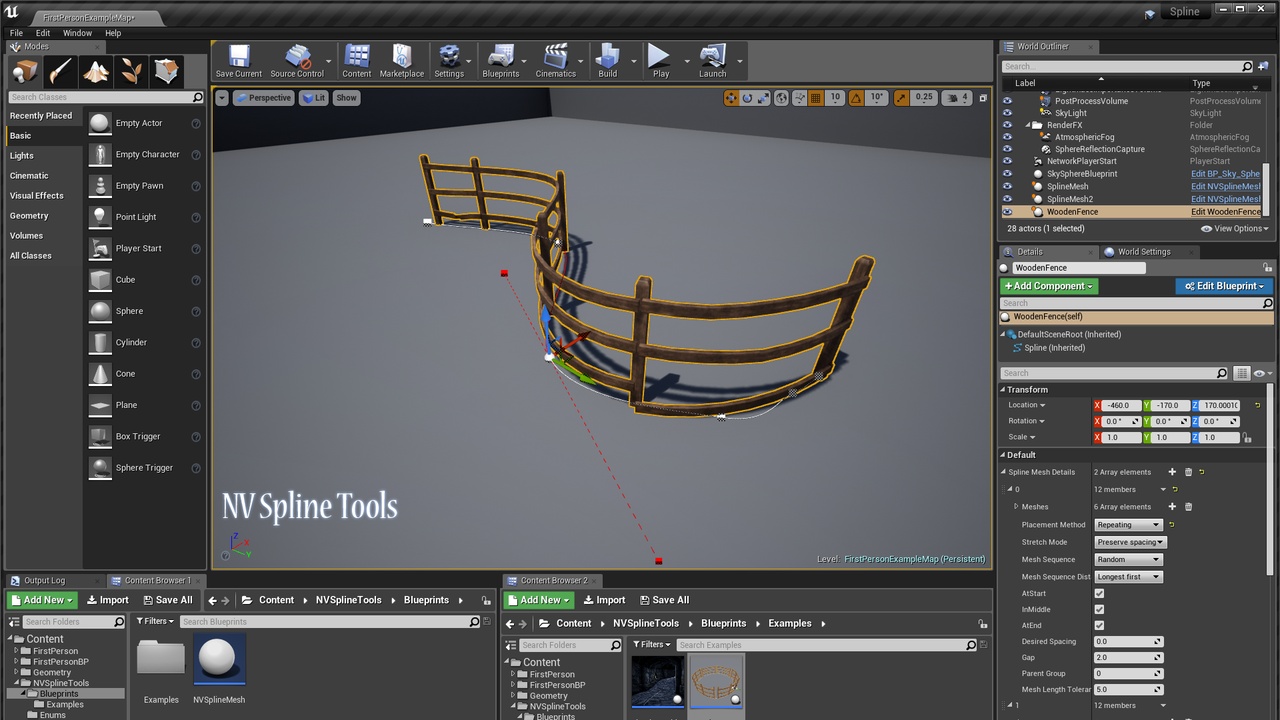
NV Spline Tools is a system for setting up a modular sequence of meshes to follow the path of a spline.These can either be SplineMesh components, bent along the spline’s curve, or static meshes placed at fixed distances along it.
It is built entirely in Blueprints, and is designed to be used at edit time to help create levels.
It can be used to quickly create flexible level features such as fences, walls, tracks, pipes, etc.
Features:
Place and deform SplineMeshes along a spline:
Repeating segments along the entire length of the spline
Repeating segments between each point on the spline
Segments stretched between each point on the spline
Place static meshes along a spline:
At fixed distances along the spline
Between deformed segments
At points on the spline
Adjust the placement of meshes based on the length of the spline:
Stretch meshes to cover the distance
Stop placing meshes shortly before the end of the spline if there is not enough space to fit a full mesh
Select from a list of meshes to use:
Randomly
Sequentially
Adjust the mesh sequence based on the distance to cover: