Advanced Tutorials Manager is out (100% BP)!
Demonstration Video (Watch the video to see what it’s capable of)
Documentation
Playable Demo (2D Widgets | Default) | Playable Demo (3D Widgets | for VR)
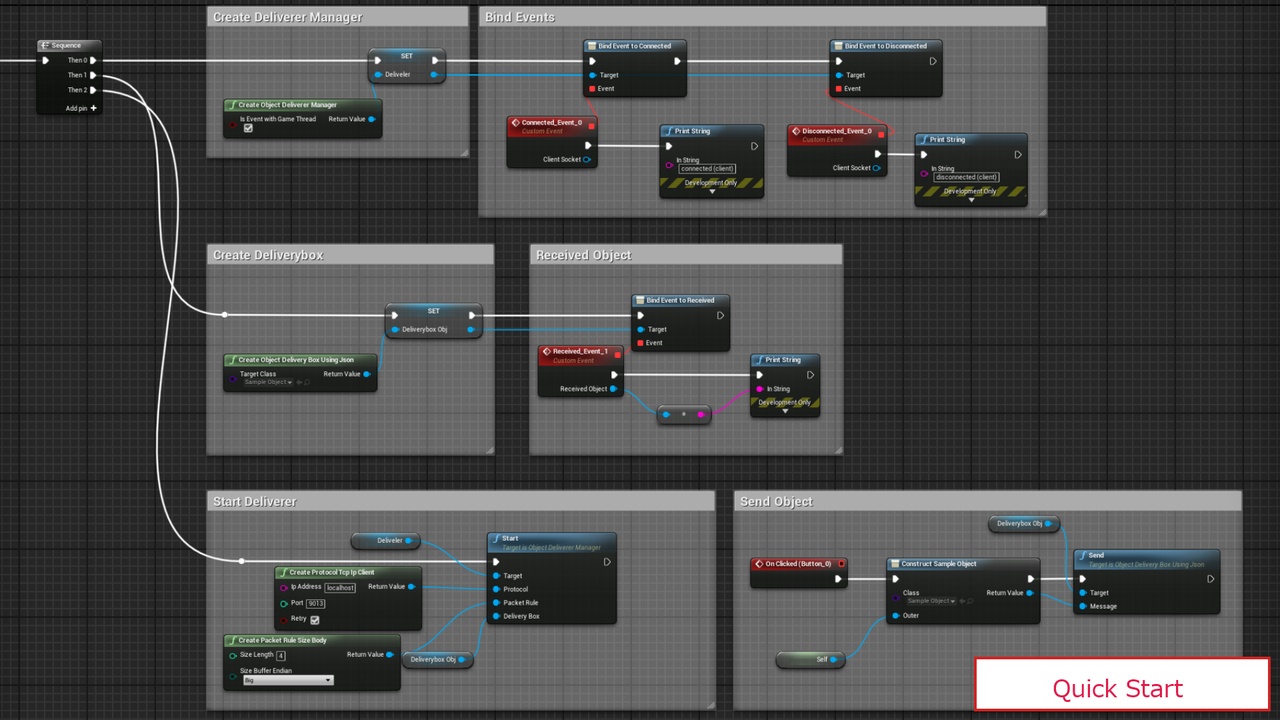
Quick Start Tutorial Video (First time setup guide)
Example Project (UE5.1+ with EIS) | Example Project (You can try it after you owned the plugin)
Important Note for Example Project: If you’re using EIS and UE5.3+, you should go to Project Settings -> Engine -> Enhanced Input. Then tick “Enable World Subsystem” and “Enable User Settings” boxes otherwise the plugin won’t function correctly.
Updates Log
Discord
With this plugin you can set up tips and tutorials throughout the map and trigger them one by one as the player goes to tutorial points or you can show tutorials manually without depending it on the player’s location.
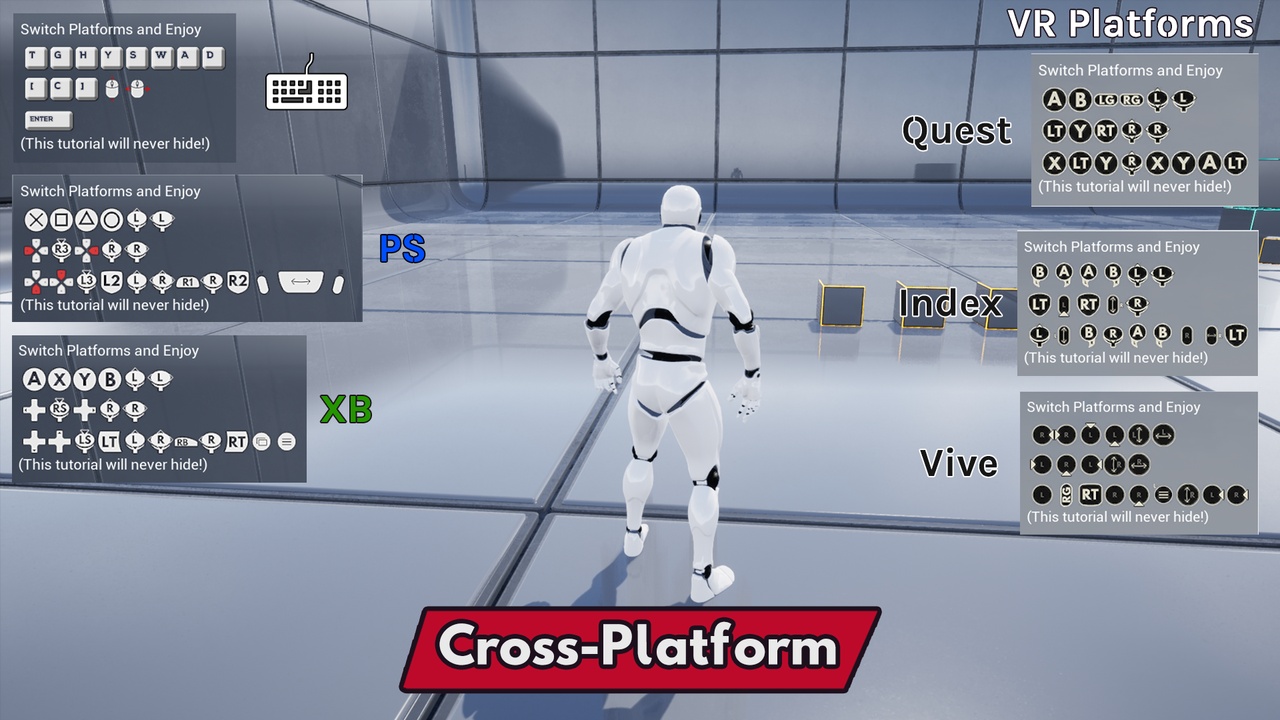
Tutorial text will get parsed by the plugin and adds the keys retrieved from Enhanced Input or Action/Axis Mapping to the text.
Examples:
Enhanced Input System: You use indices inside your tutorial text and then select the Mapping Context and Input Action, then the keys/buttons will retrieved based on the selected platform. “Press {0} to move around.” this will be displayed as “Press [W][S][A][D] to move around”.
Legacy Input System: “Use {MoveForward} {MoveRight} to move around” will convert to “Use [W][S][A][D] to move around” in the game. (MoveRight and MoveForward are of course 2 axis mappings)
What can you use it for