Features
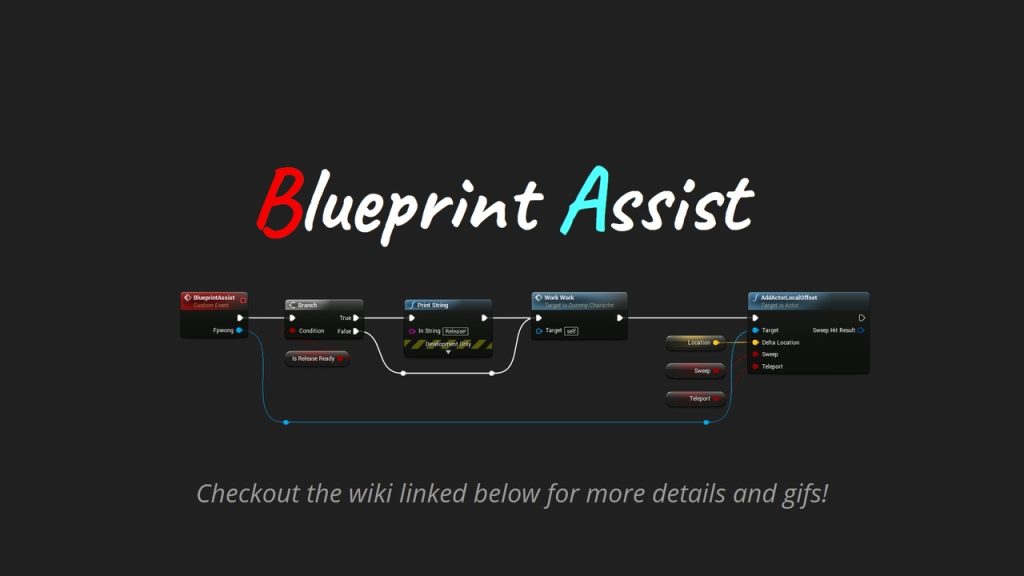
For a full overview of features, please have a look at this page on the wiki which contains animated gifs for each feature of the plugin
Node formatting: When a user places a node on the graph, the node formatting algorithm is run. So as
you code your Blueprint, your nodes are automatically positioned so they are readable. Examples of the
formatting in action can be seen here
Numerous keyboard shortcuts: The plugin adds shortcuts for all node creation and modification
functionality which were previously only accessible through the mouse. No more right-clicking
every time you want to create a node!
Additional quality of life features and improvements: A number of new features and functionality
are included in the plugin.